Having trouble logging in?
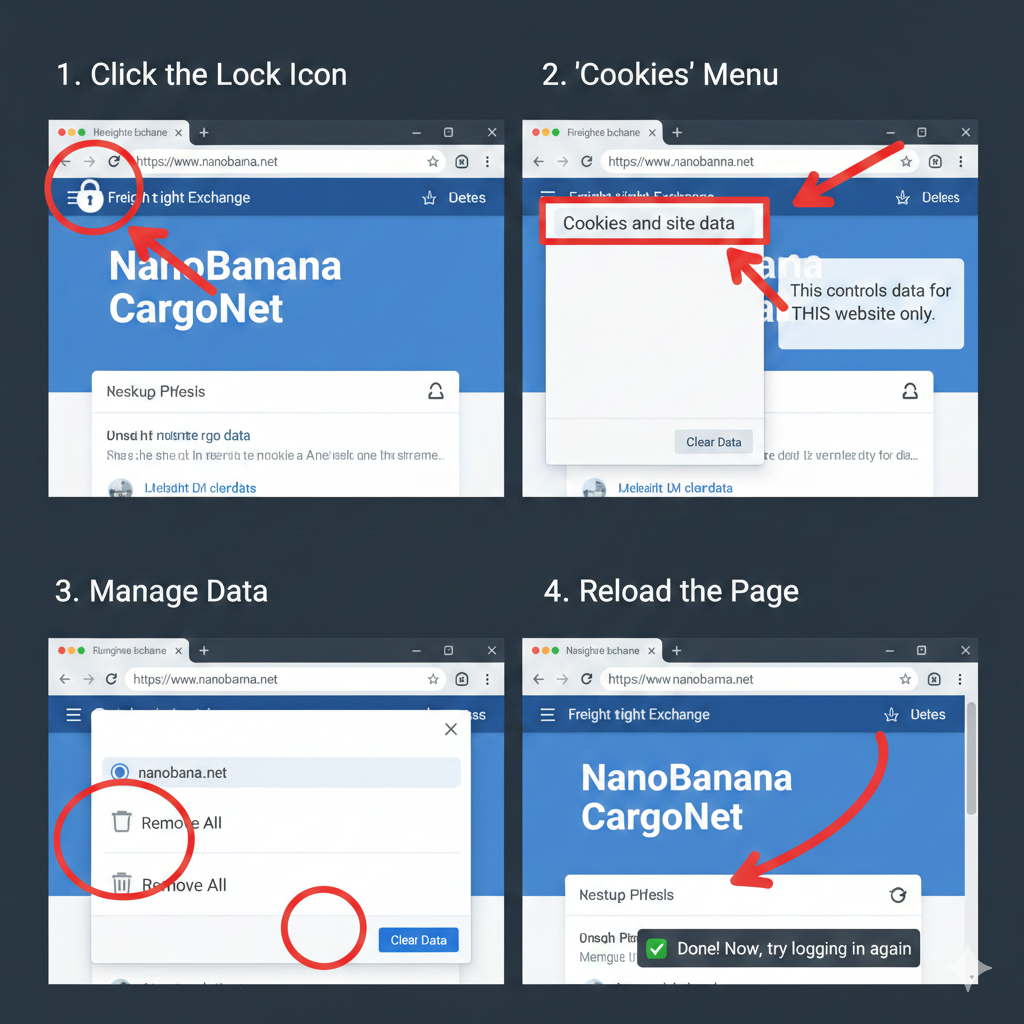
If the page is not loading correctly or you cannot log in, please clear your browser cookies. This will refresh your connection to CargoNet.
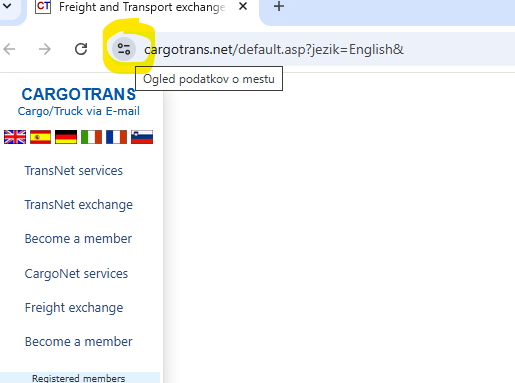
Step 1: Click the Lock Icon
Click the Lock icon (or settings icon) on the left side of the address bar.
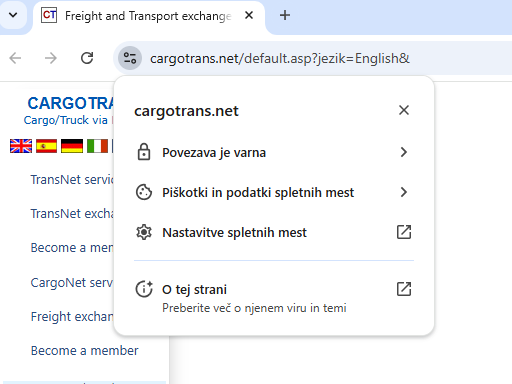
Step 2: Cookies and site data
Select "Cookies and site data" from the menu.
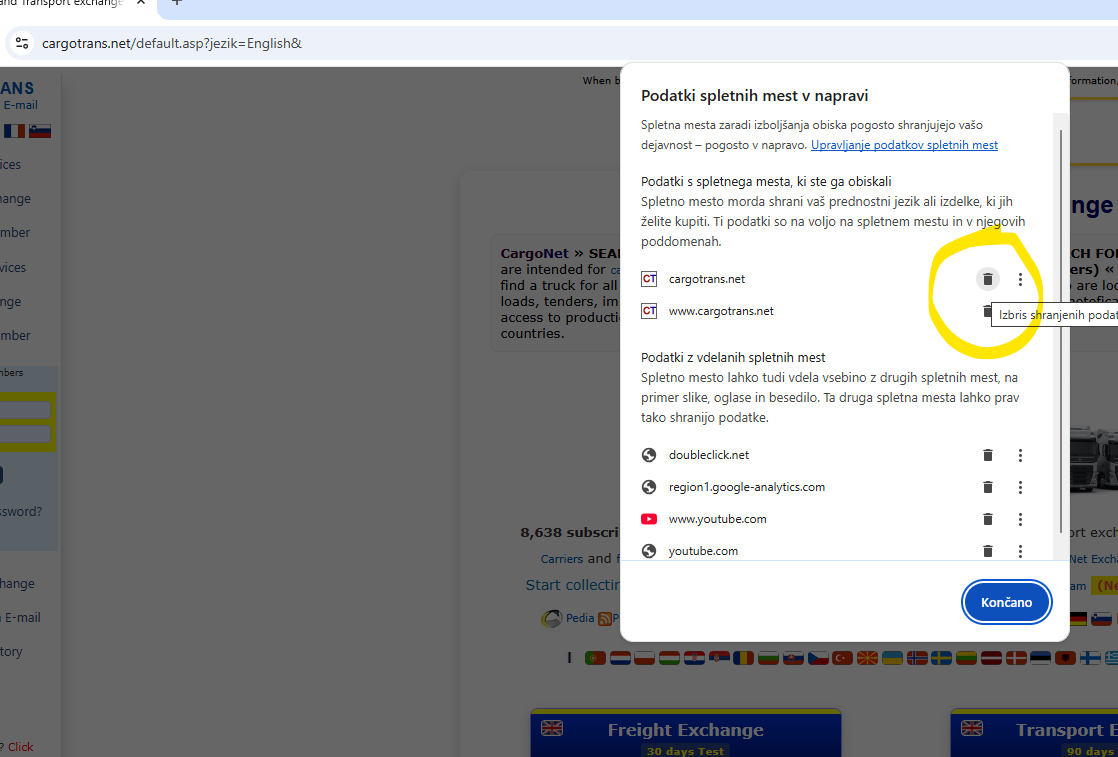
Step 3: Manage and Delete
Click on "Manage on-device site data" and delete/remove the stored data for cargotrans.net.
Step 4: Reload the page
Finally, reload the website and try to log in again.
Back to CargoNet